Phone Habits That Ruin Sleep: A 7-Night Reset Checklist
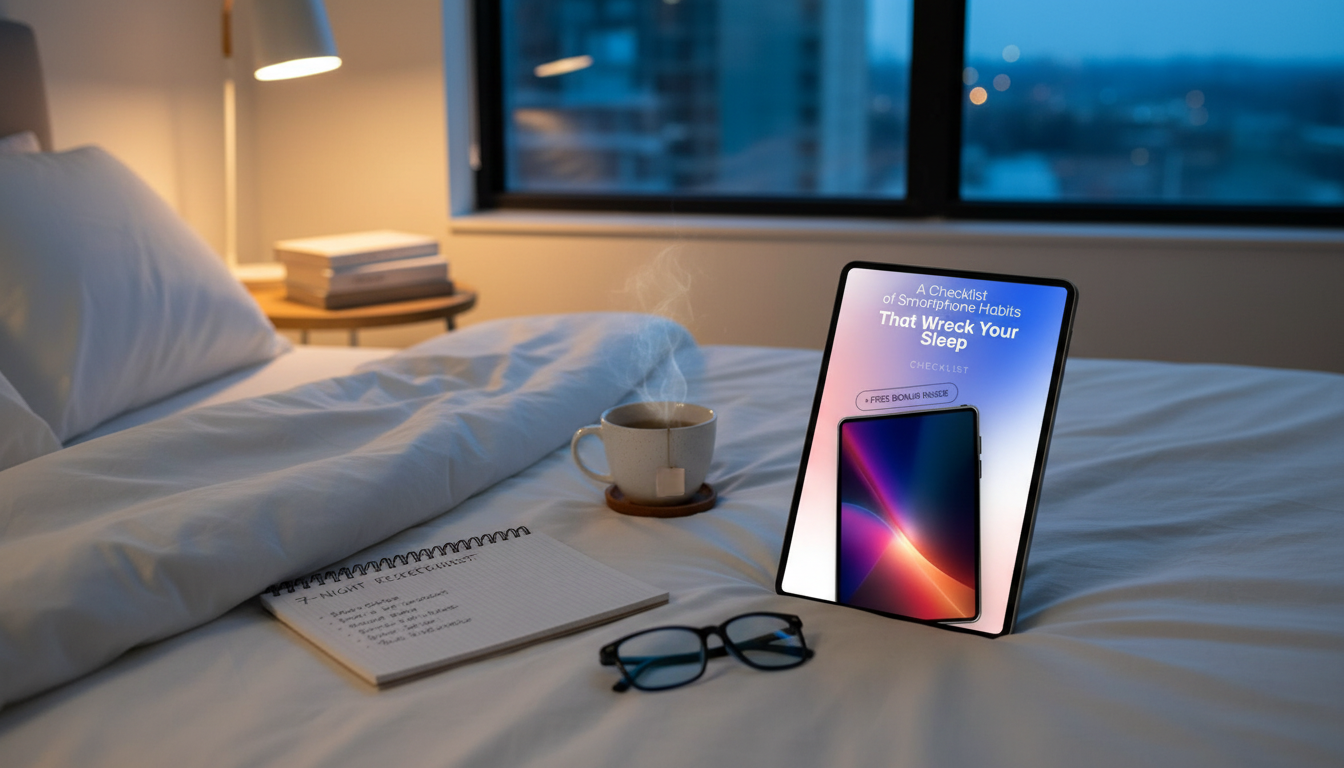
A Checklist of Smartphone Habits That Wreck Your Sleep (and the Simple Swaps That Help)
Smartphones can quietly stretch bedtime later, keep the brain alert, and turn the bedroom into a notification zone. Use this practical checklist to spot the habits most likely to disrupt sleep, then replace them with small, repeatable changes that protect wind-down time and reduce late-night stimulation. If you want a ready-to-use version you can keep by your nightstand, the printable guide A Checklist of Smartphone Habits That Wreck Your Sleep – Break Free from Sleep-Destroying Habits is an easy way to stay consistent for a full week.
Quick self-check: is your phone stealing sleep?
- Bedtime drifts later because “one more scroll” turns into 30–60 minutes.
- Falling asleep feels harder after reading intense news, arguments, or fast-paced videos.
- Waking up at night to check time, notifications, or messages becomes routine.
- Morning starts with the phone instead of light, movement, and hydration.
- Sleep feels lighter or less refreshing despite enough time in bed.
If two or more feel familiar, it’s usually not about willpower—it’s about friction. A few small barriers (distance, settings, routines) can make the “default” a lot more sleep-friendly.
Checklist: the most common phone habits that disrupt sleep
- Using the phone in bed (training the brain to associate bed with alertness instead of sleep).
- Doomscrolling or high-emotion content late at night (raising arousal and delaying relaxation).
- Bright screen exposure close to bedtime (especially in a dark room).
- Notifications, vibrations, and banner previews left on overnight (micro-interruptions add up).
- Checking the time repeatedly after waking (increasing anxiety and wakefulness).
- Falling asleep to videos or social apps that auto-play (unplanned stimulation and light).
- Charging the phone within arm’s reach (making checking effortless).
- Using the phone as the only alarm (creating a reason to keep it in bed).
- Late-night texting or work messages (keeping the mind in “response mode”).
Habit → Why it matters → A quick replacement
| Habit | What it does to sleep | Swap to try tonight |
|---|---|---|
| Scrolling in bed | Keeps the brain engaged and delays drowsiness | Park the phone outside the bedroom; use a paper book or quiet audio |
| Notifications on | Causes micro-wakes and alert spikes | Enable Do Not Disturb/Sleep Focus; allow only true emergencies |
| Phone as alarm | Encourages “just checking” in bed | Use a basic alarm clock; keep phone charging across the room |
| Auto-play videos | Extends use beyond intention | Set a hard stop: 10–15 minutes, then airplane mode |
| Time-checking at night | Triggers worry and wakefulness | Turn the clock away; avoid opening the lock screen |
Break-free plan: a 7-night reset that feels realistic
Think of this as a gradual ramp-down. Each step is small enough to actually repeat, but meaningful enough to reduce late-night stimulation.
- Night 1–2: Set a single boundary—phone charges outside the bed (across the room or outside the bedroom).
- Night 3: Turn on Sleep Focus/Do Not Disturb 60 minutes before bed; silence non-essential apps.
- Night 4: Replace the final 20 minutes with a low-stimulation routine (stretching, light reading, breathing).
- Night 5: Reduce nighttime “time checks” by keeping the screen facedown and disabling lock-screen previews.
- Night 6: Create a content rule after dinner (no arguments, no breaking news, no high-adrenaline clips).
- Night 7: Lock in a repeatable shutdown: plug in phone, set alarm, airplane mode, lights dim, routine starts.
One practical tip: choose a “minimum win” for busy nights (for example, phone out of bed + Sleep Focus). When life gets loud, defaults matter.
Phone settings that make the biggest difference
Blue light can be part of the issue, but time displacement (staying up longer) and mental activation (content + interactions) are often the bigger culprits. For a deeper overview, see Harvard Health Publishing’s explanation of blue light and sleep.
Bedroom rules that protect sleep without feeling extreme
A soft lighting option can help you keep the room low-stimulation while still feeling comfortable moving around. If you’re upgrading bedside lighting, consider the Luxury Crystal Wall Lamp – Elegant Iron & Crystal Light for Living Spaces for a warm, calmer vibe that supports a wind-down routine.
Morning swaps that reduce the “phone-first” loop
If you like having a dedicated pair by the door to make movement automatic, the Women’s Floral Print Casual Sneakers can be an easy cue to step outside before screens set the tone.
When to take it seriously: signs your sleep needs extra support
For science-backed sleep guidance, the National Heart, Lung, and Blood Institute and the American Academy of Sleep Medicine both outline healthy sleep habits worth using as a foundation.
A printable checklist to keep the changes consistent
If you want a ready-made version you can print and follow without overthinking it, keep this on hand: A Checklist of Smartphone Habits That Wreck Your Sleep – Break Free from Sleep-Destroying Habits.
FAQ
How long before bed should the phone be put away?
A practical target is 30–60 minutes before bed, but consistency matters more than the exact number. If that feels like too much at first, start with 15–20 minutes for a few nights and build from there.
Do blue-light filters or Night Shift solve the problem?
They can reduce brightness and eye strain, but they don’t address stimulating content, notifications, or the time you lose to “one more minute.” Pair filters with a firm stop time and quieter routines for a bigger payoff.
What if the phone is required for on-call or family emergencies?
Use Sleep Focus/Do Not Disturb with emergency exceptions (such as a short list of allowed contacts). Keep the phone on silent and out of arm’s reach so urgent calls get through without encouraging reflex checking.









Leave a comment